
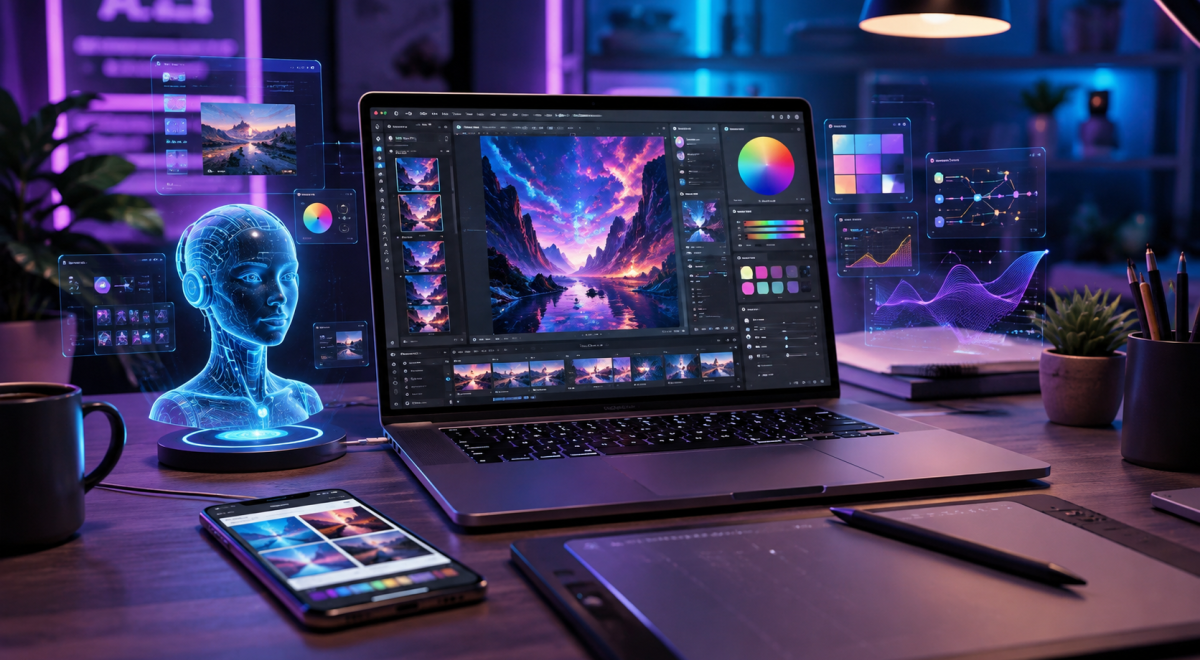
AI for graphic design in 2026 is changing the way beginners, designers, freelancers, and businesses create visual content. Instead of spending hours creating every design element manually, AI tools can help generate ideas, create images, improve layouts, remove backgrounds, and produce professional-looking graphics faster.
For beginners, AI makes graphic design easier to learn because many tools can provide templates, design suggestions, color combinations, typography recommendations, and image-generation features. However, AI should be used as a creative assistant rather than a complete replacement for design skills.
In this complete beginner’s guide, you will learn how to use AI for graphic design in 2026, what AI can help you create, how to improve your designs with AI, and how beginners can use these tools effectively while developing their own creative skills.
Why AI Is Important for Graphic Design in 2026
Graphic design is becoming more important as businesses and creators need attractive visual content for websites, social media, advertisements, presentations, and online stores. At the same time, creating high-quality designs can take a lot of time. AI can help designers speed up repetitive tasks and focus more on creativity and the overall message of their designs.
AI tools can help generate design ideas, suggest layouts, create visual elements, and make quick changes to existing graphics. This can be especially useful for beginners who may not yet have advanced graphic design skills. Instead of starting every project from scratch, beginners can use AI to create a starting point and then customize the result according to their needs.
1. Use AI to Generate Graphic Design Ideas
One of the easiest ways to start using AI for graphic design is to generate creative ideas. If you are unsure about the style, layout, colors, or visual concept for a project, AI can provide several suggestions based on your goals and target audience
.For example, you can ask AI to suggest ideas for a social media post, business advertisement, blog featured image, product banner, or presentation. You can then choose the strongest idea and develop it further instead of using the AI-generated suggestion without any changes.
This approach can be especially helpful when you need to create content regularly and want to avoid repeating the same visual style.
2. Create Images With AI
AI image-generation tools allow users to create images by describing what they want in a written prompt. This can be useful for creating illustrations, backgrounds, product concepts, blog images, advertisements, and other visual content.
The quality of the result usually depends on how clearly you describe the image. Include details such as the subject, environment, lighting, camera angle, colors, composition, and visual style when writing your prompt.After generating an image, review it carefully and make adjustments if necessary.
AI-generated images can sometimes contain unrealistic details, so human review is still important before using them professionally.
You can explore AI image-generation technology through OpenAI’s image generation resources.
3. Use AI to Remove Backgrounds
Removing backgrounds is a common task in graphic design, especially when creating product images, advertisements, thumbnails, and social media graphics.
AI-powered background removal tools can identify the main subject of an image and separate it from the background automatically.This can save time compared with manually selecting and removing every part of a background.
Once the background has been removed, you can place the subject on a new background or use it as part of another design.Always check the edges of the final image, especially around hair, transparent objects, and small details. AI can sometimes remove parts of the subject or leave unwanted areas behind.
4. Create Social Media Graphics With AI
Social media requires creators and businesses to produce visual content consistently. AI can help simplify this process by generating design concepts, suggesting layouts, resizing graphics, and adapting existing designs for different platforms.
For example, you can create a promotional design and then adapt it into different formats for Instagram, Facebook, TikTok, or other platforms. This can make it easier to maintain a consistent visual identity while saving time.
Even when AI creates the initial design, make sure the final graphic matches your brand colors, fonts, message, and overall style before publishing it.
5. Use AI to Improve Existing Designs
AI can also be used to improve designs that you have already created. Instead of starting over, you can use AI-powered features to enhance an image, adjust elements, remove unwanted objects, improve quality, or generate alternative versions of the same design.
This can be useful when a design is almost complete but needs a few changes. AI can help you experiment with different layouts and visual styles without rebuilding the entire project manually.However, avoid making too many automatic changes at once.
Compare the original design with the improved version and keep the changes that genuinely make the design clearer and more professional.
6. Use AI to Choose Colors and Fonts
Choosing the right colors and fonts can have a major impact on the appearance of a design. AI can help suggest color palettes and typography combinations based on the type of project, brand style, or target audience.
For example, a technology brand may benefit from a modern color palette and clean typography, while a children’s brand may require brighter colors and a more playful visual style.AI suggestions should be treated as starting points rather than fixed rules.
Test different combinations and choose colors and fonts that improve readability and communicate the right feeling to your audience.
For more guidance on typography and color choices, you can explore Canva’s design resources.
7. Create Multiple Design Variations With AI
Another useful application of AI for graphic design is creating multiple versions of a design. Instead of manually creating every variation, you can use AI-assisted tools to experiment with different layouts, colors, images, and visual styles.
Creating several variations makes it easier to compare ideas and choose the version that communicates your message most effectively. This can be particularly useful for advertisements, social media campaigns, presentations, and promotional materials.
Before publishing, review each variation carefully and make sure that the design remains consistent with your brand and the purpose of the project.
Best Practices for Using AI in Graphic Design
Using AI effectively for graphic design requires a balance between automation and human creativity. Start with a clear idea of what you want to create and give the AI tool detailed instructions.
The more specific your prompt is, the easier it can be to produce a result that matches your expectations.Always review AI-generated designs before publishing them. Check the text, images, proportions, colors, and other visual elements for mistakes.
You should also make sure that the final design follows your brand guidelines and is appropriate for your target audience.Instead of publishing an AI-generated design exactly as it is, consider using it as a starting point and adding your own creative ideas. This can make your content more original and help your designs stand out.
Benefits of Using AI for Graphic Design
AI can provide several benefits for people who create visual content. One of the biggest advantages is speed. Tasks that previously took a significant amount of time can often be completed much faster with AI-assisted tools.
AI can also make graphic design more accessible to beginners. People without advanced design experience can experiment with layouts, images, colors, and creative concepts while learning more about good design practices.Another benefit is productivity.
Designers and businesses can use AI to create multiple ideas and variations quickly, allowing them to spend more time reviewing and improving the best results.
Limitations of AI Graphic Design
Although AI can make graphic design easier, it also has limitations. AI-generated designs may contain incorrect details, strange visual elements, or results that do not match the original instructions.Another concern is originality.
Many people may use similar AI tools and prompts, which can result in designs that look alike. Adding your own ideas, editing the output, and developing a unique visual identity can help solve this problem.You should also understand the licensing and usage rules of the AI tool you choose.
Before using AI-generated images or graphics for commercial purposes, check the platform’s current terms and make sure you have the necessary rights to use the content.
How Beginners Can Start Using AI for Graphic Design
Beginners do not need to learn every AI design tool at once. Start with one simple task, such as generating design ideas, creating images, removing backgrounds, or making social media graphics.
Practice by creating small projects and experimenting with different prompts. When you receive a result from an AI tool, study what works and what does not. Then improve the design instead of simply accepting the first result.
As you gain experience, you can gradually add more AI-powered tools to your workflow. The goal is to use AI to improve your creativity and productivity while continuing to develop your own graphic design skills.
The Future of AI for Graphic Design
AI is likely to become an even more important part of graphic design as image generation, editing, and design automation continue to improve.
Future tools may make it easier to create customized visual content for different audiences and platforms with fewer manual steps.However, human creativity will remain important. A successful design is not only about generating an attractive image; it also needs a clear message, good visual communication, and an understanding of the audience.
Designers who learn how to combine AI tools with their own creativity, design knowledge, and critical thinking will be better prepared for the changing creative industry.
Conclusion
AI for Graphic Design in 2026 gives beginners, creators, and businesses new ways to create visual content faster and more efficiently.
From generating design ideas and images to removing backgrounds, creating social media graphics, and improving existing designs, AI can simplify many parts of the creative process.However, AI should be treated as a creative assistant rather than a replacement for human creativity.
Always review AI-generated content, make your own improvements, and ensure that your final designs are original, useful, and appropriate for your audience.If you are a beginner, start with one AI design task and practice regularly.
As you become more comfortable, you can build a complete AI-assisted design workflow that saves time while allowing you to maintain your own creative style.
Frequently Asked Questions About AI for Graphic Design
Can beginners use AI for graphic design?
Yes. Beginners can use AI tools to generate design ideas, create images, remove backgrounds, suggest colors, and produce different types of visual content without having advanced graphic design skills.
Can AI completely replace graphic designers?
AI can automate many design tasks, but it does not completely replace human creativity, design judgment, and communication skills. Designers are still needed to develop ideas, review results, and create designs that effectively communicate with an audience.
What can AI create for graphic design?
AI can help create images, social media graphics, advertisements, backgrounds, design concepts, presentations, color palettes, and different versions of existing designs.
Is AI graphic design free?
Some AI graphic design tools offer free plans or limited free features, while others require a subscription or charge for additional features and usage. Always check the current pricing and licensing terms before choosing a tool.
Can I use AI-generated designs for my business?
AI-generated designs can be used for many business purposes, but you should check the specific tool’s licensing and usage terms before using generated content commercially.